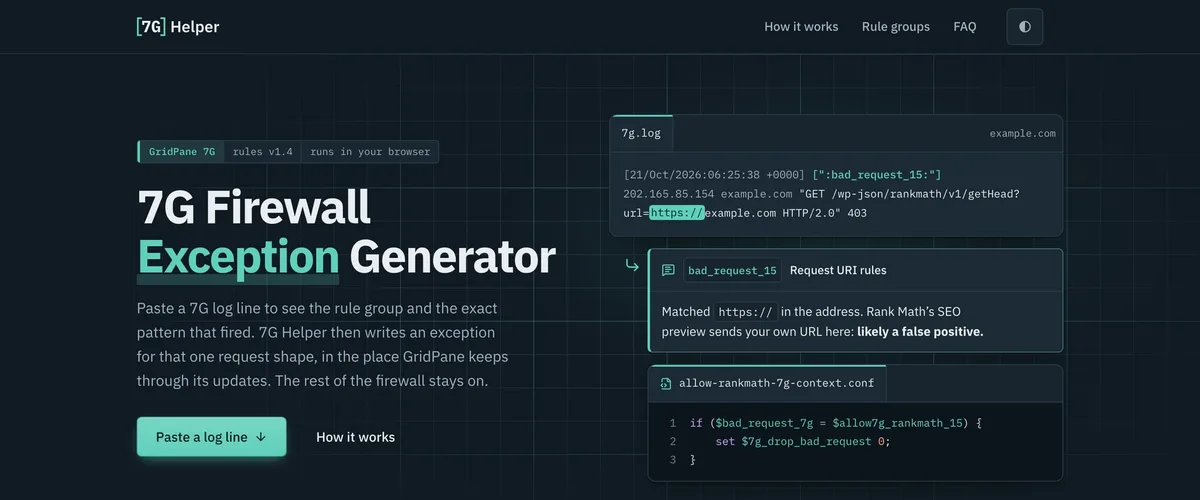
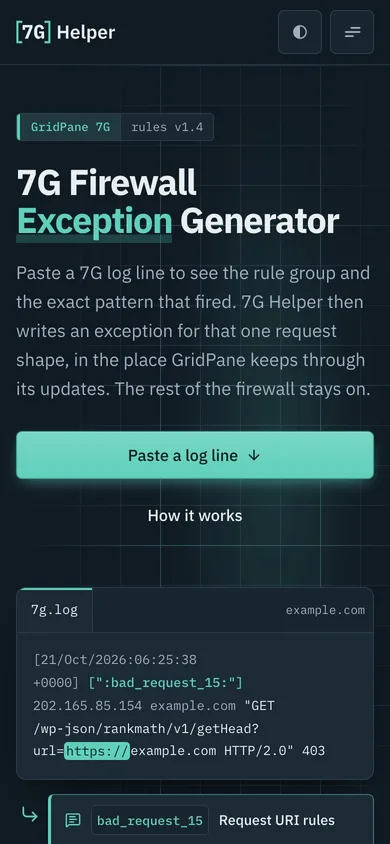
A free tool for GridPane’s 7G firewall: paste a blocked request from the log, see the rule that fired, and get an exception scoped to that one request.
GridPane runs its own version of Jeff Starr’s 7G firewall on every site, and it is good at its job. It also blocks things you want: Rank Math’s SEO preview, the sign-in redirects AI tools use, Facebook’s link-preview crawler. The only clue is one line in the 7G log: a rule group, a number and a 403.
The quick fix is to switch the rule group off, which turns off every rule in it, for every request, on the whole site. The right fix is an exception scoped to one request, and that means finding the pattern behind the number in GridPane’s rules and writing nginx by hand.
03
The Product
What shipped
7G Helper reads the log line for you. Paste it in and it names the rule group, shows the exact pattern that fired against GridPane’s shipped rules, and says whether the request looks like a false positive or an attack.
Then it writes the exception: a file that lets that one request shape through only when that one rule is what blocked it, in the folder GridPane keeps through its updates, for one site or the whole server. Each file comes with the reload command and two checks, one proving the request now passes and one proving 7G still blocks the rest.
When the rule is not GridPane’s at all but a custom block list on the server, it shows how to take that crawler’s name off the list instead. That is how a list meant for AI crawlers turned out to be hiding every Facebook link preview on one of my servers. Everything runs in the browser: nothing you paste is sent or stored, and there is no account.
04
Gallery
10 views · tap to enlarge
01A blocked Facebook preview request, read as a likely false positive02Taking a crawler off the server’s own block list03The exception file, scoped to one site04How it works, in three steps05The five rule groups 7G checks06Home page in the light theme07Mobile home page08Mobile menu09A result on a phone10Mobile rule groups