
A website redesign for a small business usually costs about what a new site of the same kind would: a few thousand dollars for a fresh look on the pages you already have, and $15,000 or more for a site rebuilt around what it has to do. The bigger number to watch is the one no quote prints. A redesign that drops your old page addresses can wipe out the search traffic the old site earned, and I know that from my own site, which lost most of its search impressions in a single month.
A disclosure: I sell website redesigns, so I have a bias. If your site already brings in work and only looks dated, a refresh from a freelancer, or a weekend with a website builder, may be all you need. Where a figure comes from a source, I link it with its date; where I give my opinion, I say so.
How much does a website redesign cost?
It depends first on how much of the old site you keep. The words people use for the three kinds of job are loose, so here is what I mean by each, with the ranges that agencies publish for them:
| Kind of redesign | What changes | Published price ranges | Who it fits |
|---|---|---|---|
| A refresh | The look: colors, type, images, small layout fixes. Same pages, same platform | $3,000 to $15,000 (Refact) | A site that works but looks dated |
| A redesign | New page layouts and navigation, much of the copy rewritten, usually the same platform | $15,000 to $80,000 (Refact); $15,000, $25,000 or $35,000+ by size (Classic City) | A site that no longer matches the business or brings in too few leads |
| A rebuild | A new platform, new structure and new content, everything moved over | $60,000 to $250,000+ (Refact) | Large sites, stores, sites tied into other software |
The ranges come from two agencies that publish theirs. Refact's 2026 budget guide (opens in a new tab) puts a refresh at $3,000 to $15,000, a redesign at $15,000 to $80,000 and a rebuild or replatform at $60,000 to $250,000 and up. Classic City (opens in a new tab), a WordPress studio that posts its prices, charges $15,000, $25,000 and $35,000 or more for its three sizes of full build, and says "Folks normally land between Simple and Mid." Both sell to companies larger than most of my clients, so read their top rows as the ceiling, not the norm.
At the small end, a redesign is often a new build on a template. GoDaddy's guide says to expect $500 to $5,000 for a one-page website (opens in a new tab) built for you, and its own design service starts at $499. My own work sits in the middle row: most projects start around $15K, and a site with more to do (booking, a store, a CRM behind the forms) can run two to three times that, or more. That is my price, not a market average.
Is a redesign cheaper than building a new site?
Usually not by much. I made the same point in my guide to what a website costs: most of the work is the same either way. Someone still has to plan the pages, write or rewrite the words, design the layouts, build them, connect the forms and test everything on a phone.
A redesign saves money in three places, and only if they are true of your site:
- The content still works. If your service pages say the right things and only look old, keeping the words cuts the slowest part of most projects.
- The structure still works. Keeping the same pages at the same addresses means almost nothing to redirect.
- The platform still works. Staying on the same system avoids moving every page, image and form by hand.
It costs more than a new build when the old site has to be untangled first: hundreds of old blog posts to sort, a plugin nobody remembers installing, forms wired to an email address that left with a former employee. That work is real, and a good quote names it.
What makes one redesign cost more than another?
When two quotes for "a redesign" differ by a factor of five, they are usually quoting different amounts of these:
- Pages that need their own design. Classic City adds roughly $2,000 for each hand-crafted page beyond a tier's standard set. Pages built from a shared layout cost far less.
- Copy. Rewriting every page is often the biggest line, and the one most likely to slip, because it waits on you.
- Moving content. Classic City quotes $1,000 to $5,000 more for migration, "depending on the platform you’re leaving and how clean the source is."
- Connections to other software. Classic City prices integrations, such as CRM hooks, ERP imports and custom APIs, at $3,000 to $10,000 each. In my experience, a booking tool or payments is the same kind of work.
- A platform change. Moving from one system to another means rebuilding what the old one did for you.
- Protecting search traffic. Mapping every old address to its new page, setting the redirects and checking them after launch. This is the item most often left out. Of the ten pricing guides I read from Google's first page for this question on November 3, 2026, four never use the word "redirect", including the two that ranked highest in Ahrefs' October 19 snapshot of the results. The next two sections are about why it matters.
What does a careless redesign cost in search?
It can cost almost everything the old site earned in Google. Here is what happened to mine. In November 2024, when the pages of my old WordPress site went away, its search impressions (the number of times Google showed one of my pages in its results) fell to about a quarter of a normal month, and they never came back. These are the monthly figures from Google Search Console, read through my Ahrefs account:
The numbers
| Month | Search impressions |
|---|---|
| Best month, December 2023 to October 2024 | 13,800 |
| Lowest month, December 2023 to October 2024 | 11,600 |
| November 2024, when the old pages went | 3,037 |
| Best month since, December 2024 to August 2026 | 921 |
The months before had drawn 11,600 to 13,800 impressions each. November 2024 drew 3,037, and no month in the 21 months after it passed 921. The site did not get worse at what it said. Its old addresses simply stopped answering: every page Google had learned to show now returned "not found" (a 404), with no redirect to a new page.
It mattered which pages those were. Seven of the old pages had drawn 58,385 impressions between them in the ten months before the change:
The numbers
| Old page address | Search impressions |
|---|---|
| /wordpress-care-plans/ | 34,720 |
| /how-much-does-web-design-cost/ | 15,981 |
| /jackson-ms-web-designer/ | 5,821 |
| /5-components-wordpress-website/ | 949 |
| /4-weeks-to-a-website/ | 463 |
| /4-risks-building-your-own-website/ | 315 |
| /how-much-should-you-spend-on-web-design/ | 136 |
The care plans page, /wordpress-care-plans/, had drawn 34,720 of those. A pricing article had drawn 15,981, which is part of why this blog has a cost section at all. Some of that loss was a choice: I was repositioning the business, and a few of those pages described work I no longer do. But most of it was not a choice. It was a step that got skipped.
I put the redirects in nearly two years later, in September and October 2026, after I rebuilt the site again: each old page that still matched something I do now points to the one page that replaced it, never to the home page, and three that matched nothing were left to 404. Whether Google gives those pages their old visibility back, after that long, is something I will only know with time. Your redesign does not have to repeat it. Search Console's Page indexing report is where old addresses that now answer "not found" show up.
How do you keep your search traffic through a redesign?
Treat every old page address as something you own, and decide where each one goes before launch. Google's own guide to moving a site lays out the steps. The short version, in the order I do them:
- List every old address. Google suggests starting from your sitemap, your analytics, Search Console and your content system. Include the pages with links from other sites, not only the popular ones.
- Match each one to its new page. One old page to one new page that answers the same question. A blanket redirect to the home page tells the visitor, and Google, nothing.
- Use permanent redirects. Google's redirect guide lists 301 and 308 as permanent and 302 and 307 as temporary. The difference shows in search: with a permanent redirect Google shows the new page, and with a temporary one it keeps showing the old address.
- Keep them a long time. Google says to keep redirects "for as long as possible, generally at least 1 year," and to consider keeping them indefinitely for visitors.
- Check after launch. Open a sample of old addresses and confirm each lands on the right page, then watch Search Console's Page indexing report for new "not found" errors over the following weeks.
Google's page on redirects says which address each kind puts in search results:
Google also warns that rankings can move for a while even when the work is done right: "for medium-sized websites, it can take a few weeks or more for Google to gradually start showing the new URLs instead of the old ones." A dip in the first weeks is normal. A cliff that lasts, like mine, is not.
Refresh, redesign or rebuild: which do you need?
My rule of thumb, as an opinion, not a formula:
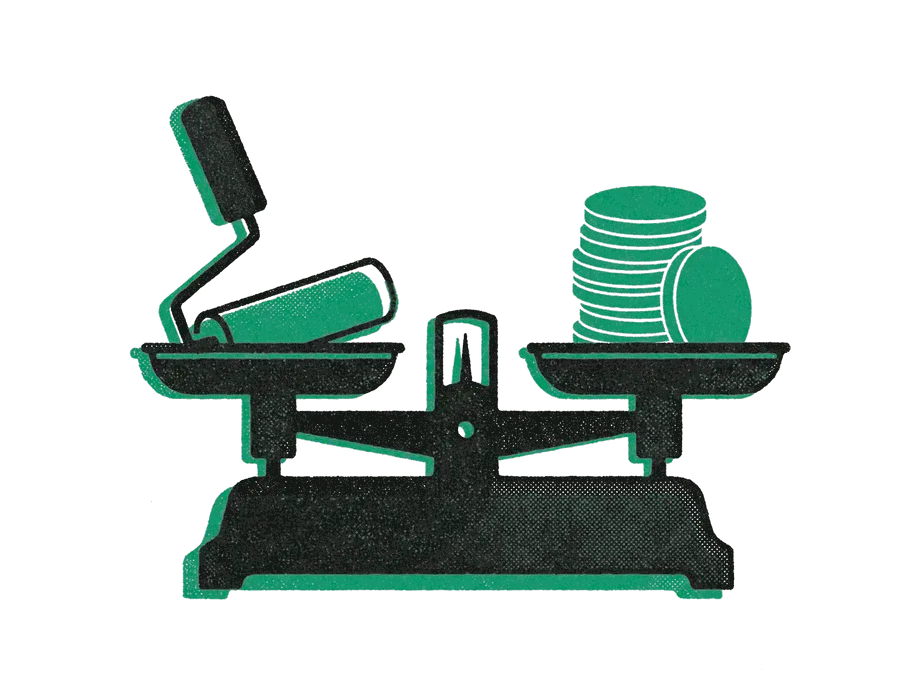
- A refresh when the site brings in leads and your customers find what they need, but it looks older than your business. Keep the pages and the addresses; change the look.
- A redesign when the site no longer describes what you sell, people do not call or fill in the form, or you cannot update it yourself. This is where most small businesses I talk to land.
- A rebuild when the platform itself is the problem: it is slow, insecure, abandoned by its maker, or cannot do what the business now needs. A rebuild is also when the redirect work is largest, so it needs the most care.
If you are not sure, start with what the site has to do. My guide to what makes a lead generation website lists the parts that turn visits into calls, and a site missing most of them needs more than new colors.
How do you compare redesign quotes?
Put each quote against the same questions, in writing:
- What happens to every old page address? Ask for the redirect plan by name. "We'll handle SEO" is not a plan.
- Who writes the copy, and how many rounds of changes are included?
- How many pages get their own design, and how many reuse a shared layout?
- Are you changing platforms? If so, what is being moved, and what is being left behind?
- What does it connect to (CRM, booking, payments), and is that wiring in the price?
- What does it cost each month after launch, and what does that cover?
- Who owns the site, the domain and the content if you part ways?
A quote that answers the first question well usually answers the rest well too.
When is a redesign not worth paying for?
When the problem is not the design. If the site gets visits but few calls, the fix may be a clearer offer, a shorter form or a phone number people can tap, and those cost hours, not a project. If the site gets almost no visits, a new look will not change that on its own; the work is in search, and I wrote about local SEO for small businesses for that case.
And when the budget is a few hundred dollars, a website builder is an honest answer. You can always pay for a redesign later, once the business has shown what the site needs to do.
The short version
- A refresh costs about $3,000 to $15,000, a redesign about $15,000 to $80,000 and a rebuild more, by the ranges agencies publish; my own projects start around $15K.
- A redesign costs about what a new build of the same kind costs. It saves money only when the content, the structure or the platform can stay.
- The cost most quotes leave out is search traffic. My site lost about three quarters of its impressions in one month when its old pages went away without redirects.
- Map every old address to one new page, use permanent redirects, and keep them at least a year.
- Compare quotes on the redirect plan, the copy, the page count, the platform and what happens after launch.